Portable dual-laser engraving for creators and small businesses — Request a Free Quote Today
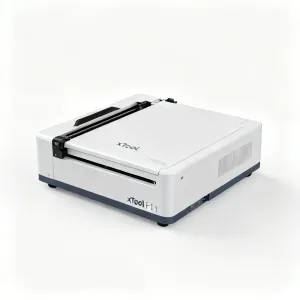
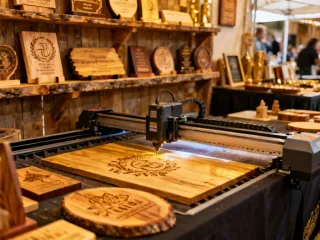
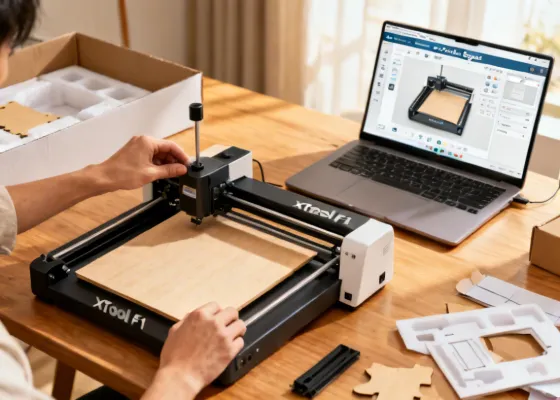
xTool F1 portable dual-laser engraver creating precision engravings in a creative workspace

xTool F1: Portable Dual-Laser Engraving Made Simple

Combine fiber and diode laser power in one compact, 4 kg machine. Engrave metal, wood, leather, glass, and 300+ materials with +/-0.01mm precision — right from your desktop. No complicated setup, no steep learning curve.
50,000+ Machines Shipped
85+ Countries Served
300+ Compatible Materials
30 min First Project Time

Our Portable Laser Systems

Each xTool F1 ships fully assembled, tested, and ready to engrave. Pick the model that matches your creative ambition.

xTool F1 Dual Laser Engraver

xTool F1

Best Seller Get a Quote →
xTool F1 Ultra Laser Engraver

xTool F1 Ultra

Pro Choice Get a Quote →
xTool F1 Lite Laser Engraver

xTool F1 Lite

Entry Level Get a Quote →
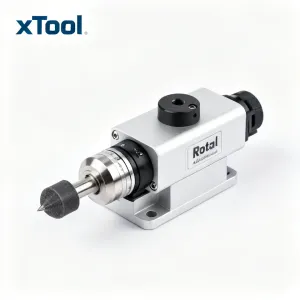
xTool F1 Rotary Attachment

Rotary Attachment

Accessory Get a Quote →
ISO 9001 Certified Quality
CE & FDA Registered
85+ Countries
30,000+ Customers
65 Engineers
13+ Years Experience

See What You Can Create

From personalized gifts to production-scale marking, the xTool F1 adapts to your craft and your business.

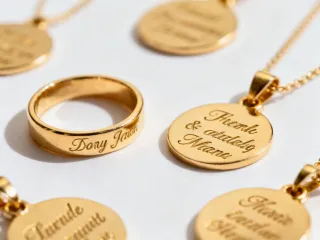
Jewelry and accessories engraving

Jewelry & Accessories

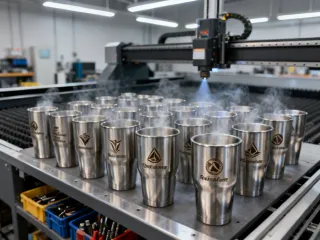
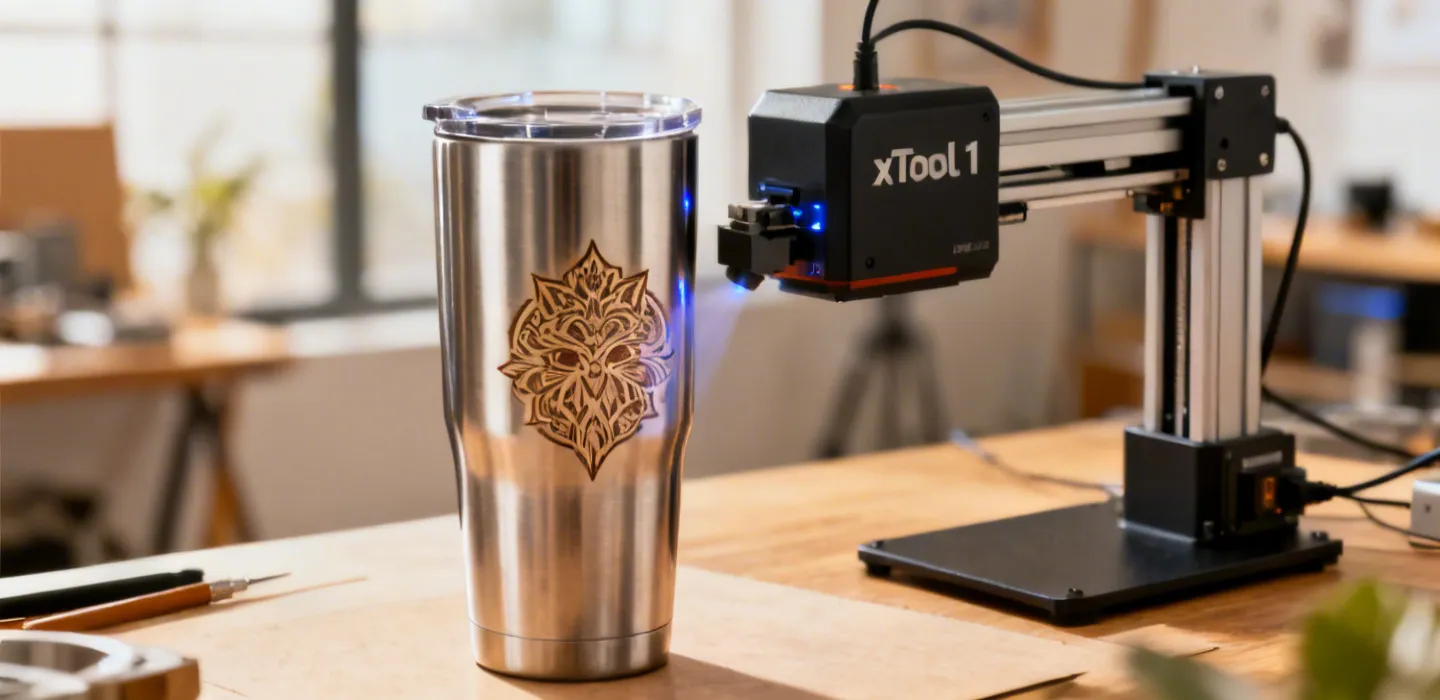
Tumbler and drinkware personalization

Tumblers & Drinkware

Wooden signs and award engravings

Signs & Awards

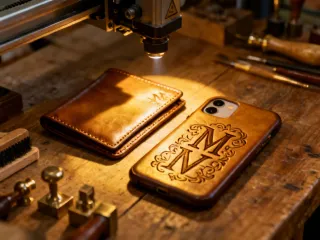
Leather goods customization

Leather Goods

Why Makers Choose xTool F1

Three things that set the F1 apart from every other portable engraver on the market.

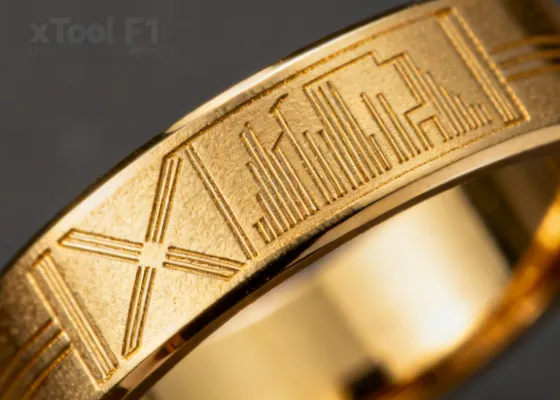
Micron-level precision engraving on jewelry with xTool F1
Precision

+/-0.01mm Positioning Accuracy

The xTool F1 dual-laser system achieves positioning accuracy down to +/-0.01mm, making it possible to engrave intricate designs on jewelry, coins, and delicate materials with consistent results across hundreds of pieces. The built-in camera preview and auto-focus calibration mean you verify placement before every run, eliminating waste.

  • Camera-assisted alignment for repeatable accuracy
  • Auto-focus compensates for material thickness variations
  • Batch mode maintains consistency across production runs
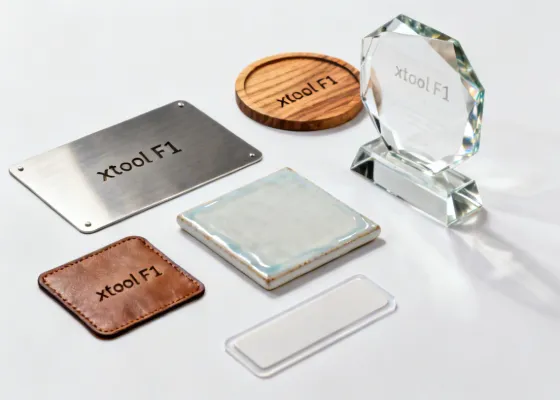
Over 300 compatible materials including metal, wood, glass, leather, and ceramic
Versatility

Engrave 300+ Materials with One Machine

From stainless steel tumblers to leather wallets, glass awards to wooden signs, the F1 handles metals, plastics, leather, wood, glass, ceramics, and more. Its dual-laser configuration (fiber + diode) means you switch between material types without changing equipment or recalibrating optics.

  • Fiber laser (1064nm) for metals, hard plastics, and stone
  • Diode laser (455nm) for wood, leather, acrylic, and fabric
  • Built-in material presets speed up setup for common jobs
Easy setup: unbox and engrave your first project within 30 minutes
Simplicity

Ready to Engrave in 30 Minutes

The xTool F1 ships fully assembled. Connect it to your laptop, open xTool Creative Space, and start engraving. Built-in material presets, auto-focus, and a camera preview system mean you spend time creating rather than troubleshooting. Most users complete their first project within 30 minutes of unboxing.

  • No assembly required — ships as a single ready-to-use unit
  • xTool Creative Space works on Windows and macOS
  • Step-by-step onboarding wizard guides your first engrave

What xTool F1 Users Are Saying

Frequently Asked Questions

Quick answers to the questions new xTool F1 buyers ask most often.

What is the difference between the fiber and diode lasers in the F1?

The fiber laser (1064nm wavelength, typically 2W-10W depending on model) excels at engraving metals like stainless steel, gold, silver, brass, and aluminum. It also marks hard plastics and stone. The diode laser (455nm, 10W optical) handles organic materials: wood, leather, acrylic, fabric, cardboard, and coated glass. Both lasers share the same optical path, so you switch between them in software without physically moving your workpiece.

Can the xTool F1 cut materials or only engrave?

The F1 is primarily an engraving and marking machine. The diode laser can cut thin materials like paper, cardstock, felt, and thin leather (up to about 3mm). It cannot cut acrylic, wood thicker than 3mm, or any metal. If cutting is your primary need, consider pairing the F1 with a dedicated laser cutter for thicker stock.

How large is the working area?

The standard F1 has a 115mm x 115mm (roughly 4.5" x 4.5") engraving area. This is designed for small to medium items like jewelry, phone cases, name badges, and tumblers (with rotary). For larger projects, the F1 Ultra offers an expanded work area. We recommend checking your typical item dimensions against these specs before ordering.

What software does the xTool F1 use?

xTool Creative Space is the primary software, available for Windows 10+ and macOS 11+. It includes material presets, a camera preview function, batch processing tools, and design import from SVG, PNG, JPG, DXF, and AI files. The F1 is also compatible with LightBurn for users who prefer that workflow, though some dual-laser switching features require xTool Creative Space.

Portable engraver vs. full-size CO2 laser cutter — which should I choose?

This depends on your primary application. The xTool F1 excels at small-item engraving (jewelry, tumblers, badges) and metal marking, with a 115mm x 115mm work area and dual fiber+diode capability. A full-size CO2 laser (40W-80W, work area 300mm x 500mm or larger) is better for cutting thick acrylic, large-format wood, and high-volume sheet work. CO2 lasers cost significantly more ($2,000-$8,000+), require dedicated ventilation, and occupy far more space. If you need both metal engraving and large-format cutting, many shops pair the F1 with a separate CO2 cutter. Neither machine replaces the other — they serve different segments of the laser processing spectrum.

Are there materials the xTool F1 cannot process?

Yes. The F1 fiber laser cannot engrave non-metallic transparent materials (clear glass requires the diode with masking). The diode laser cannot mark bare metals. Neither laser is suitable for PVC or vinyl, which release toxic chlorine gas when burned. Highly reflective polished copper and certain alloys may produce inconsistent results at the F1 power range (2W-10W fiber). Materials thicker than 3mm generally cannot be cut. Food-contact items engraved with the F1 should be tested for coating safety before commercial use. Understanding these boundaries helps you avoid wasted material and set realistic expectations for your projects.

How much power does the xTool F1 consume?

The F1 draws approximately 120W during operation, comparable to a desktop computer. It runs on standard 110-240V household power (auto-switching). No special electrical setup is required. Standby power consumption is under 5W.

Not Sure Which xTool F1 Is Right for You?

Tell us about the materials you work with and the kind of projects you have in mind. Our product specialists will recommend the right model for your needs, with no obligation and no pressure.

  • Free, personalized product recommendation
  • Sample engravings on your chosen materials available on request
  • Side-by-side spec comparison: F1 vs. F1 Ultra vs. F1 Lite
  • Volume pricing for businesses ordering 3+ units